I. Comprehension
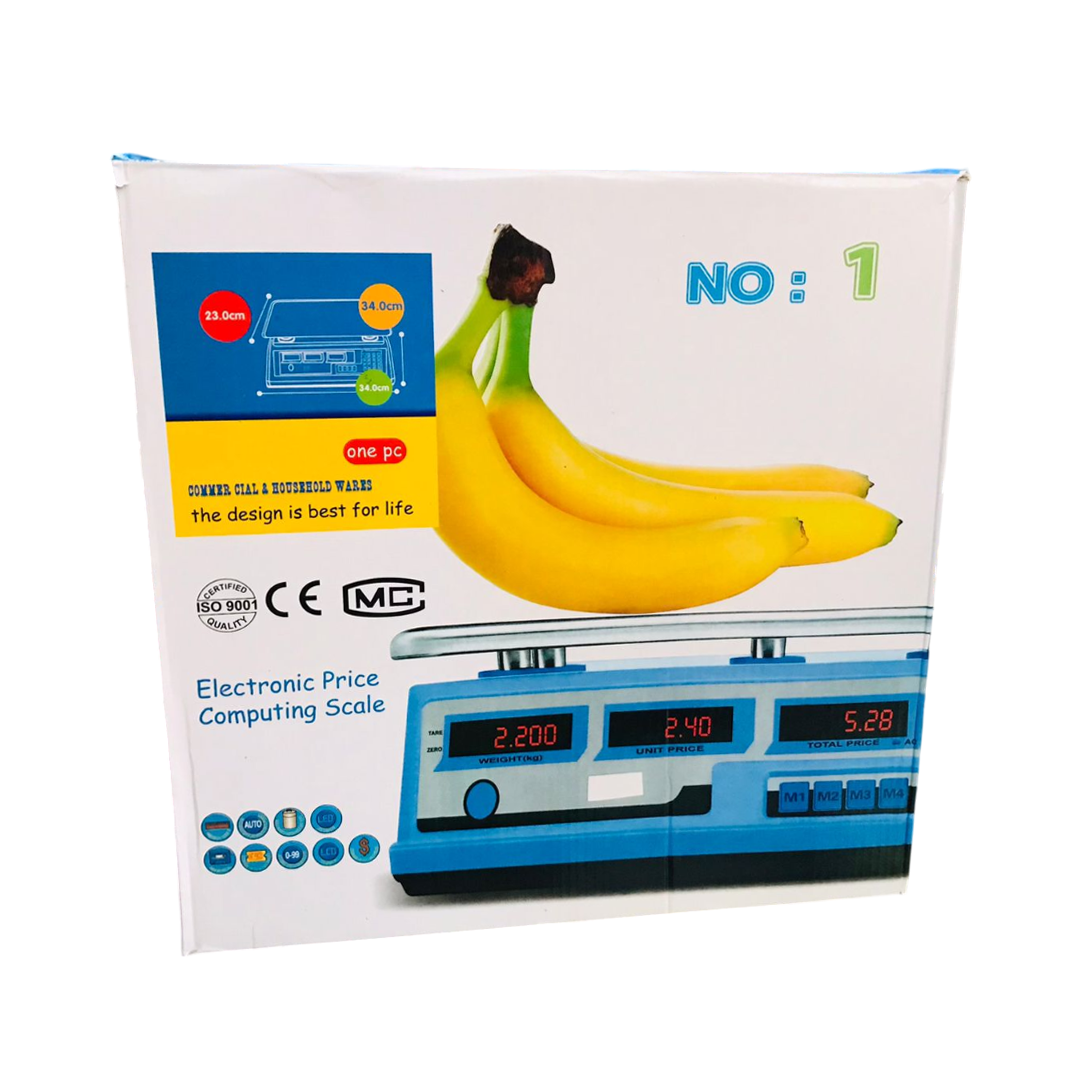
ACS-C, TCS-C system electronic scales are a kind of polymorphous measuring machine. It has the character of accurate measure, simple operation, and stable capacity. It is durable.
Skinning: The weight in the condition of skinning is maximal.
Overweight: It will alarm if it is overweight by 15% of the max weight.
Comprehensive Function:
It has the functions of skinning, accumulation, overloading alarm, direct, and alternate current battery. If the battery’s power is not enough, it will alarm. The inner electric motor can be measured automatically.
Working Power: Alternate current 220V (+10%~-15%)
Wastage: Direct current 4V/4Ah
Working Condition: <5W
Sleeping Condition: <1W
Environment: Temperature -10°C~40°C
Humidity: 10%~80% RH without dew
III. Operation
Initial Setup
Open the box, put it on the strong desktop, and adjust it to the standard place.
Insert the plug and the light will be on. Turn on the switch, and the electronic scale will examine itself, and “88888-00000” will appear in the price window. If it is out of order, “HHHHH” will appear with the sound “Di…”. Alternatively, “LLLL” with the sound of “Di…”.
Then the working voltage “DC★★★” will turn up. If it raises the sound “Di…” all the time, the battery will be used up soon (Generally speaking, the battery voltage should be 3.6-4.5V).
The electronic scales have a sleeping function. Stopping weighing for seconds will cause it to enter the sleeping condition. After you weigh something, it can recover to the normal condition.
Price Input
Directly press the number keys. You can press again after deleting the price.
Tare
Press the tare key.
Accumulation Operations
Place the object on it and input the corresponding price.
Press the accumulation key. Then the accumulating times “Add 1” and the sum of money will appear.
Take the first object down, then place the second one on it.
Input the price of the second object.
Press the accumulation key again. The accumulating times “Add 2” will appear, and so on.


 App Available
 App එක හරහා දැන් ඔබට Payment කල හැක.

